Live Activities and Live Updates
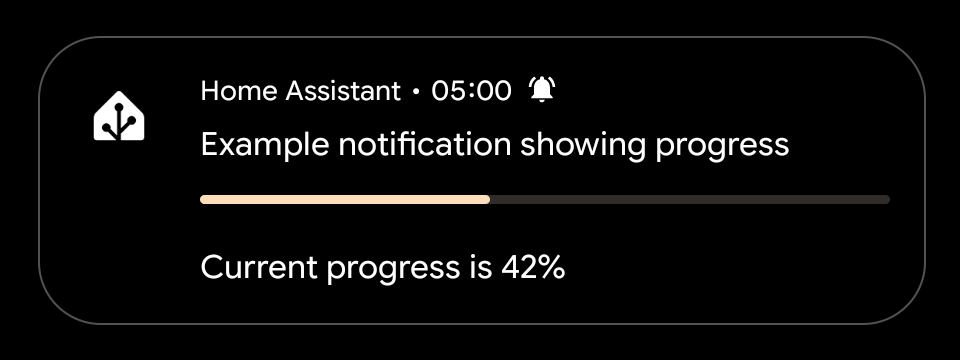
Live Activities (iOS) and Live Updates (Android) keep real-time Home Assistant state visible on the Lock Screen, Dynamic Island, status bar, and always-on display — without the user needing to unlock their device.
 iOS: iOS 17.2 or later on iPhone and iPad. Not available on macOS.
 Android: Android 16 or later. Status bar chip appearance may vary by manufacturer.
Starting
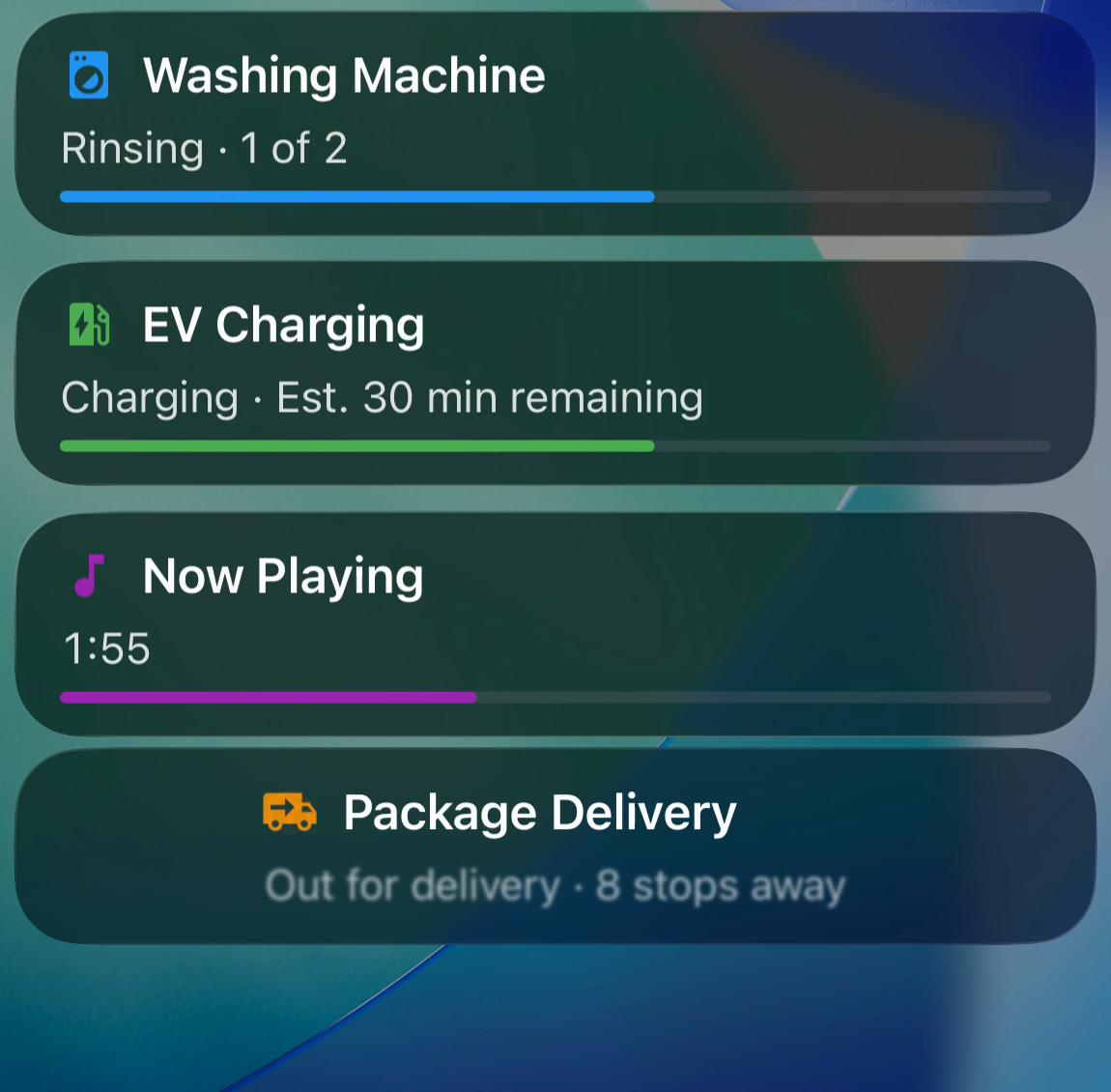
Add live_update: true and a tag to any notification payload. The companion app intercepts the push and displays a Live Activity (iOS) or Live Update (Android) instead of a standard notification banner.
automation:
  - alias: "Washing machine started"
    trigger:
      ...
    action:
      - action: notify.mobile_app_<your_device_id_here>
        data:
          title: "Washing Machine"
          message: "Rinsing · 1 of 2"
          data:
            tag: washer_cycle
            live_update: true
            progress: 900
            progress_max: 3600
            chronometer: true
            when: 2700
            when_relative: true
            notification_icon: mdi:washing-machine
            notification_icon_color: "#2196F3"
The tag uniquely identifies the activity. Subsequent pushes with the same tag update the existing activity in-place rather than creating a new one.
The activity appears on the Lock Screen and Dynamic Island.
The notification is pinned to the top of the notification shade, the Lock Screen, and the always-on display. It also shows as a chip in the status bar. title must be provided.
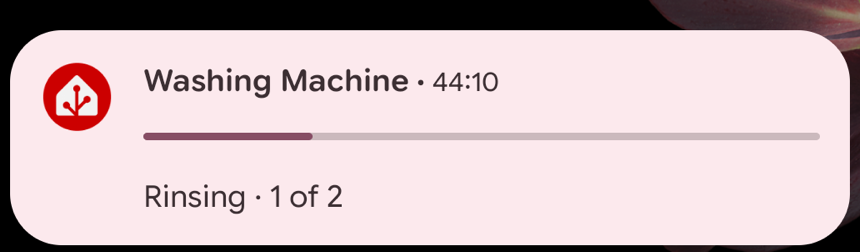
On Samsung, you may need to enable Live notifications for all apps in developer options for the status bar chip to appear.
Updating
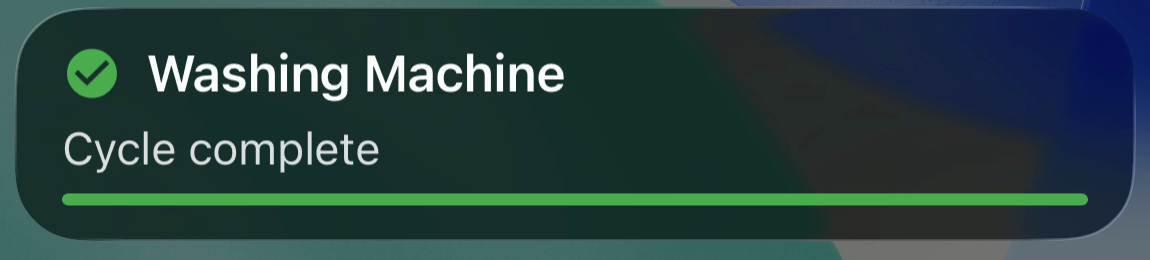
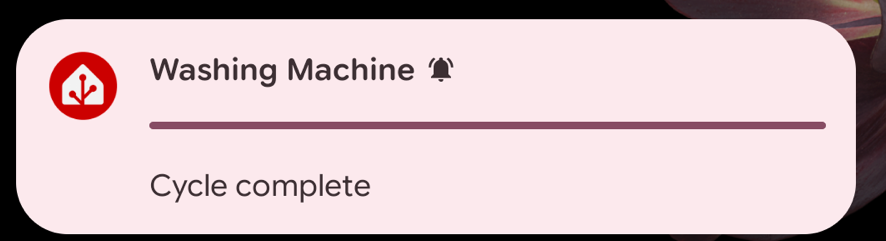
Send the same payload again with the same tag. The display updates silently — no banner, no sound.
action:
  - action: notify.mobile_app_<your_device_id_here>
    data:
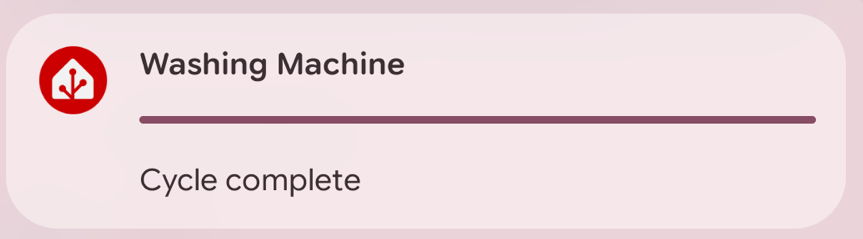
      title: "Washing Machine"
      message: "Cycle complete"
      data:
        tag: washer_cycle
        live_update: true
        progress: 3600
        progress_max: 3600
        notification_icon: mdi:washing-machine
        notification_icon_color: "#4CAF50"
Ending
Send clear_notification with the same tag to end the Live Activity / Live Update and dismiss any delivered notification with that identifier — on both iOS and Android.
action:
  - action: notify.mobile_app_<your_device_id_here>
    data:
      message: "clear_notification"
      data:
        tag: washer_cycle
Payload fields
title and message are standard notification fields set at the top level (data.title, data.message). All other Live Activity / Live Update fields go inside the nested data: block (data.data).
| Field | Platform | Type | Description |
|---|---|---|---|
tag | Both | string | Required. Unique identifier for the activity. Alphanumeric, hyphens, and underscores only; max 64 characters. |
live_update | Both | boolean | Set to true to start or update a Live Activity / Live Update. |
title | Both | string | Top-level field (data.title). Static header text; set at creation, cannot be changed by updates. |
message | Both | string | Top-level field (data.message). Main body text shown in the notification and on the Lock Screen / always-on display. |
critical_text | Both | string | Short supplementary text. Shown in the status bar chip (replaced by chronometer if set). |
progress | Both | integer | Current progress value (such as seconds elapsed). |
progress_max | Both | integer | Maximum progress value. Shows a progress bar when both progress and progress_max are set. |
chronometer | Both | boolean | Show a live countdown or count-up timer. Requires when. Replaces critical_text in the status bar chip. |
when | Both | number | Timer reference point. Unix timestamp (absolute) or seconds (relative when when_relative: true). |
when_relative | Both | boolean | If true, treat when as seconds from now rather than a Unix timestamp. |
notification_icon | Both | string | Material Design Icon slug, such as mdi:washing-machine. |
notification_icon_color | | string | Hex color for the icon, such as #2196F3. |
alert_once | | boolean | If true, the notification only alerts (sound/vibration) once. |
sticky | | boolean | If true, the notification is not dismissed when the user taps it. |
Example scenarios
Plain notification with a message
data:
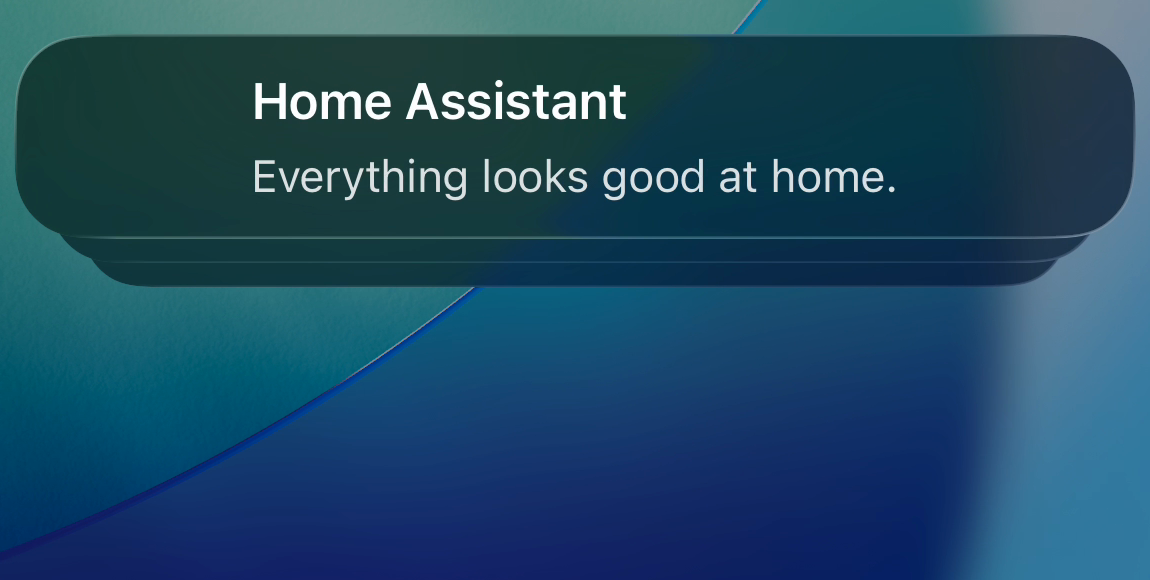
  title: "Home Assistant"
  message: "Everything looks good at home."
  data:
    tag: status-update
    live_update: true
Security alert with icon and color
data:
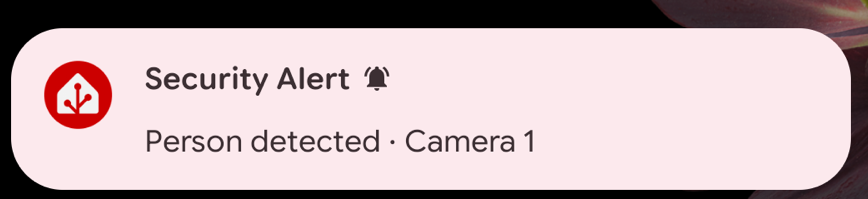
  title: "Security Alert"
  message: "Person detected · Camera 1"
  data:
    tag: security-alert
    live_update: true
    notification_icon: mdi:motion-sensor
    notification_icon_color: "#F44336"

Multiple concurrent activities
Multiple Live Activities stack on the Lock Screen under the app group header.
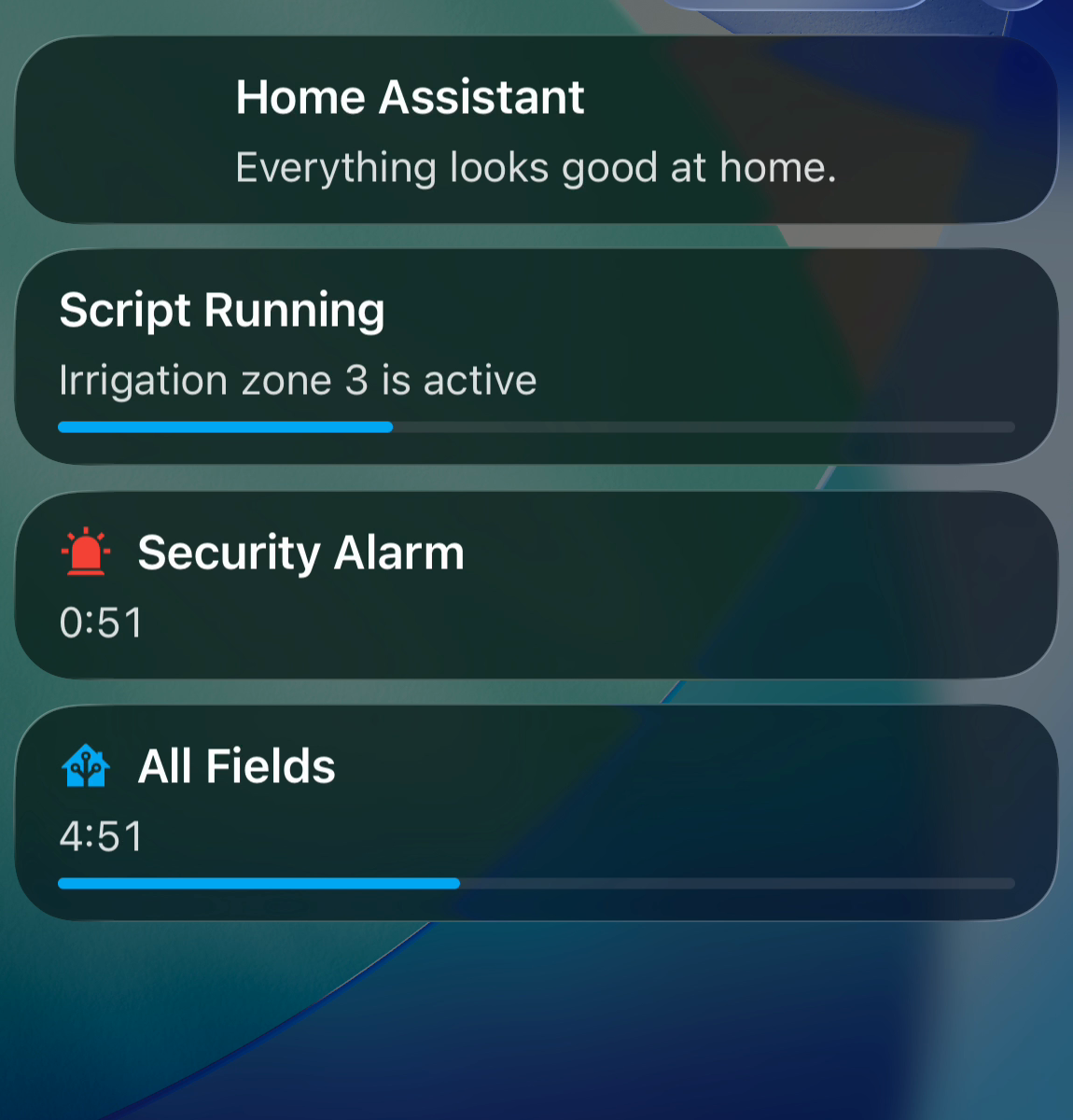
On Android, multiple Live Updates appear as separate pinned notifications in the notification shade.
Platform-specific behavior
iOS
Dynamic Island: On iPhone 14 Pro/Pro Max and all iPhone 15 and later models, the Live Activity also appears as a compact island pill at the top of the screen. On older iPhones without a Dynamic Island (notch or Home button), and on iPad, the activity appears on the Lock Screen only.
Settings: Go to Settings → Live Activities in the companion app to see whether Live Activities are enabled and to view or end any currently active activities.
- Rate limiting: Apple throttles Live Activity updates to approximately 15 seconds between rendered updates. Structure automations to fire on state-change events rather than polling timers.
- Expiry: Activities expire after up to 8 hours (Apple system limit). If the app is force-quit and relaunched, it automatically reattaches to any Live Activities iOS kept alive.
- Privacy: The first time a Live Activity is started, the companion app displays a one-time disclosure noting that Lock Screen content is visible without unlocking the device.
Android
Always-on display: The Live Update appears pinned at the top of the notification shade, on the Lock Screen, and on the always-on display.
Status bar chip: The notification shows as a chip in the status bar. Use critical_text to display a short label in the chip. If chronometer: true is set, the timer replaces critical_text in the chip. If there is not enough space in the status bar, only the icon is shown.
On Samsung, you may need to enable Live notifications for all apps in developer options for the status bar chip to appear.